Optional: show sales, visitors and ratings dashboards on a TV for the team.
Built-in TV check
Digital signage for all your TV screens, managed from one place
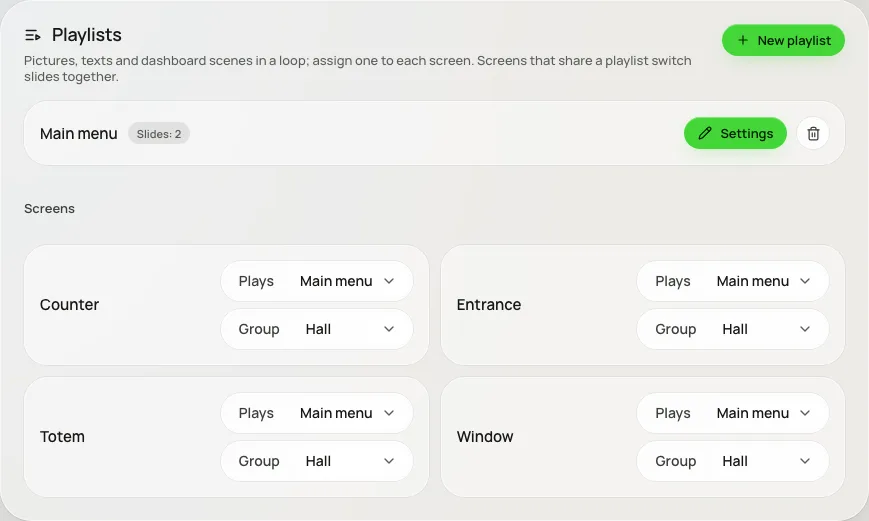
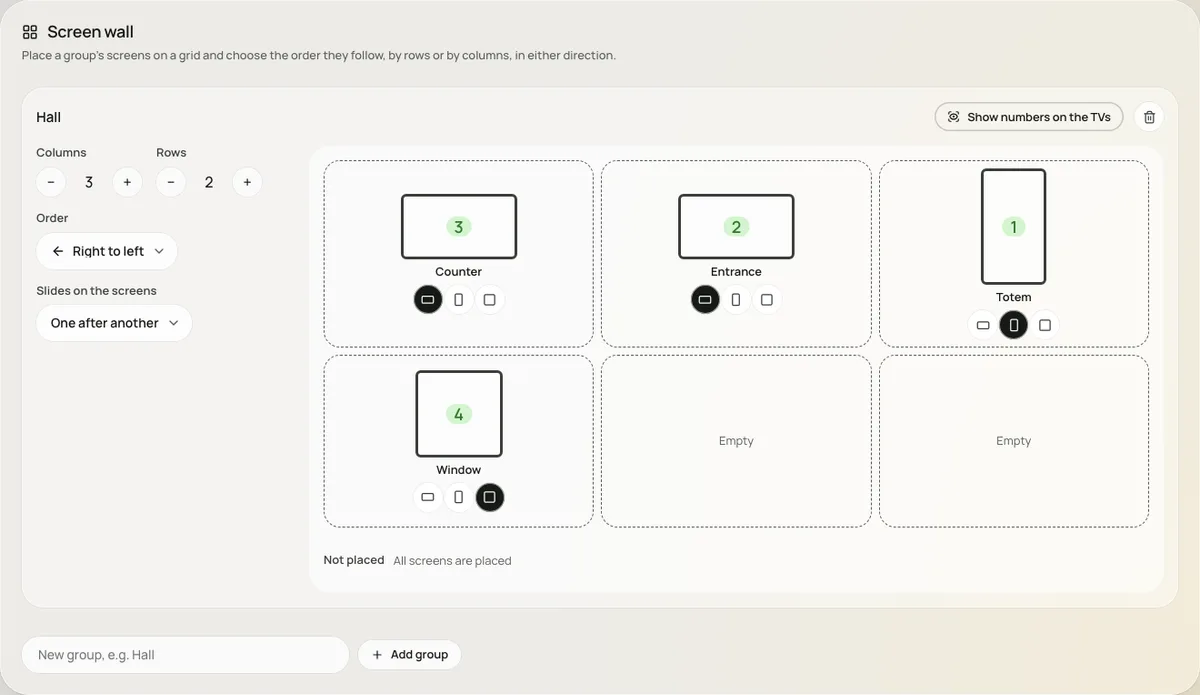
Build a playlist of photos, videos, text and your live menu, give it to any screen, and arrange several monitors into one wall. Clouty TV runs on any Android TV or Android box.
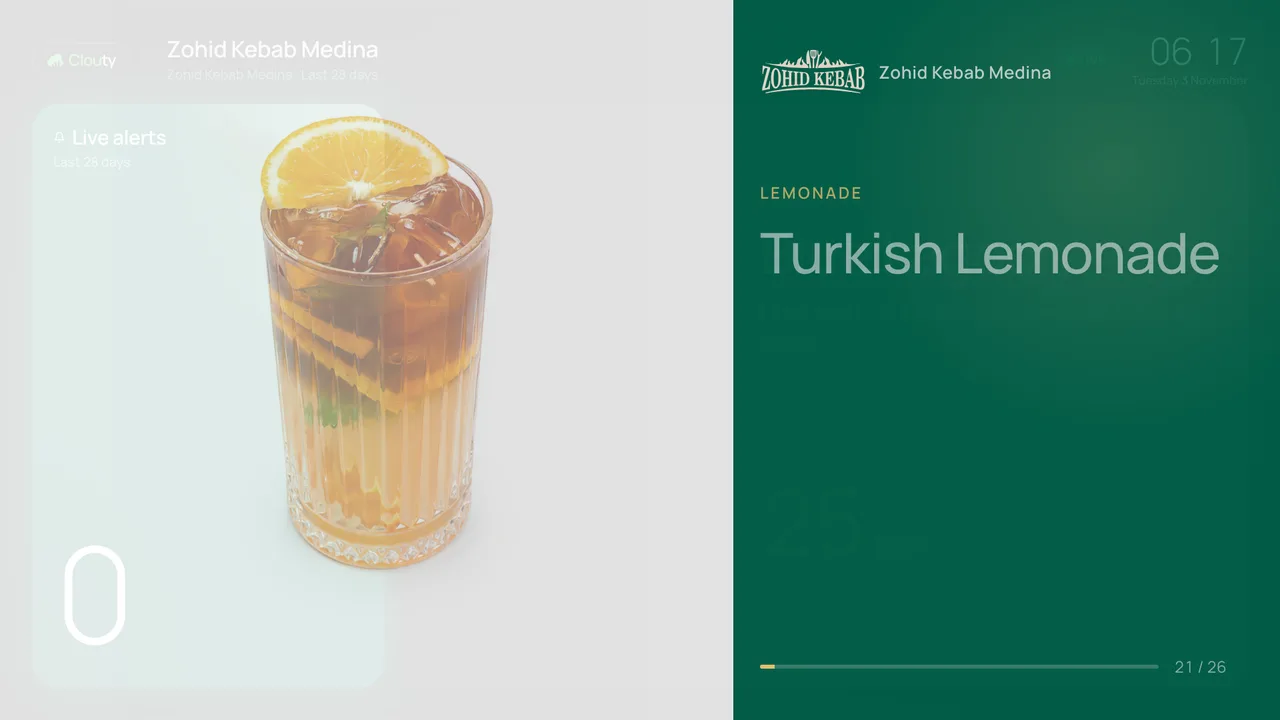
Example: the menu of Zohid Kebab Medina on a Clouty TV screen, shown with the owner's agreement.
Not every box that says 4K can play it
Plenty of low-cost Android TV boxes advertise 4K and HDR, then stutter or fail to start the video once it is on a customer's wall. Clouty TV plays real test clips on your own screen, measures what it draws smoothly and sets itself up to match.
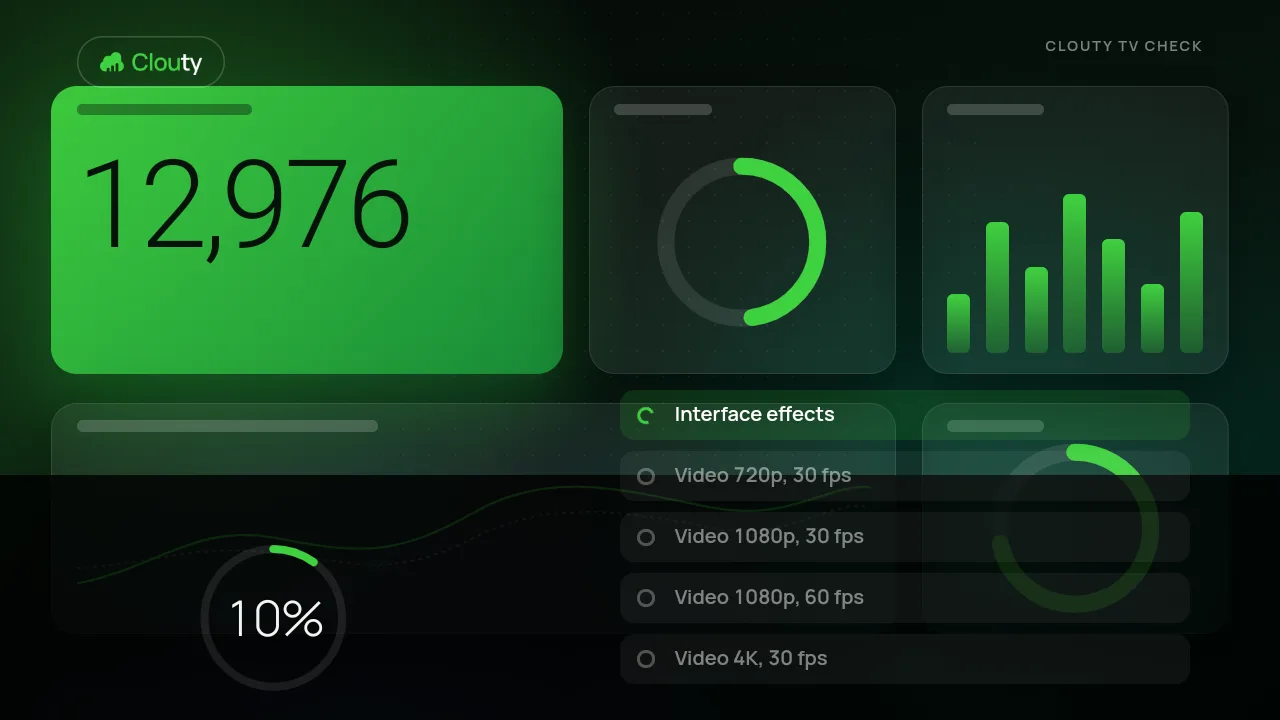
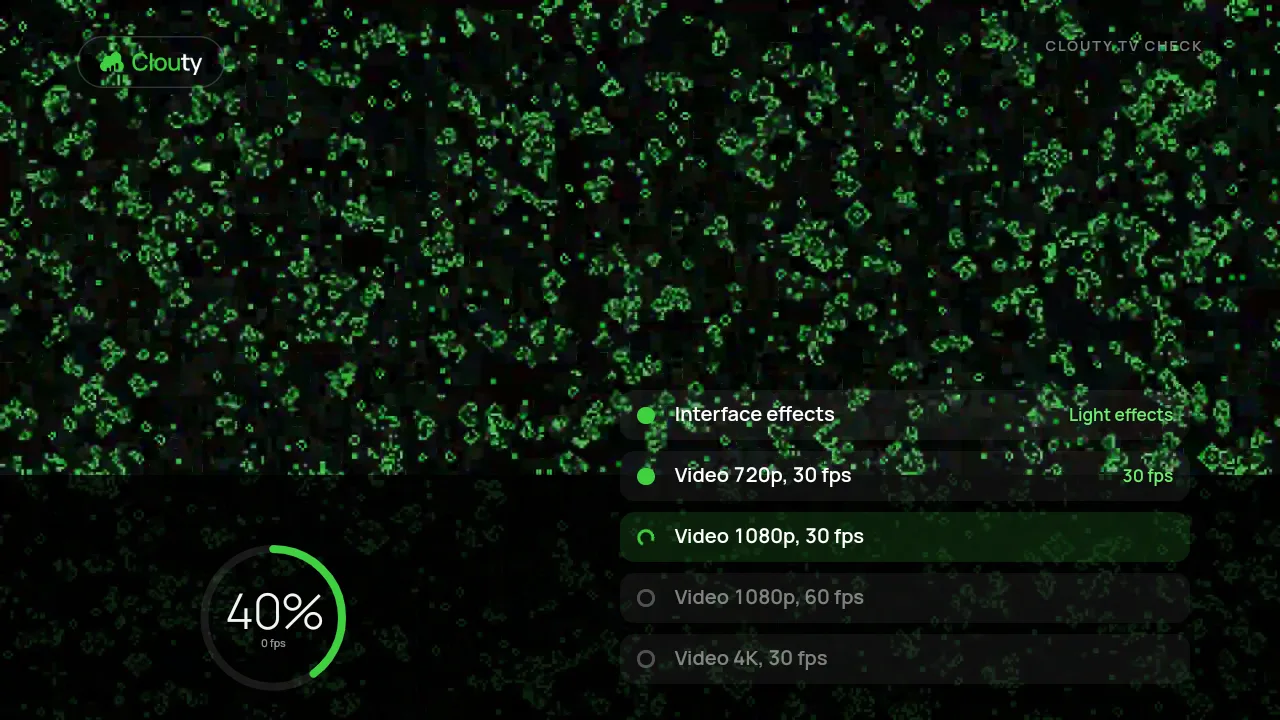
- 1
Plays test videos
720p, 1080p at 30 and 60 frames, and 4K, each for a few seconds on the screen itself.
- 2
Counts the frames
It counts how many frames really reach the screen, so a box that only claims 4K is found out.
- 3
Tunes the graphics
It draws a sample of the dashboard at full and at light effects and keeps the one the box handles.
- 4
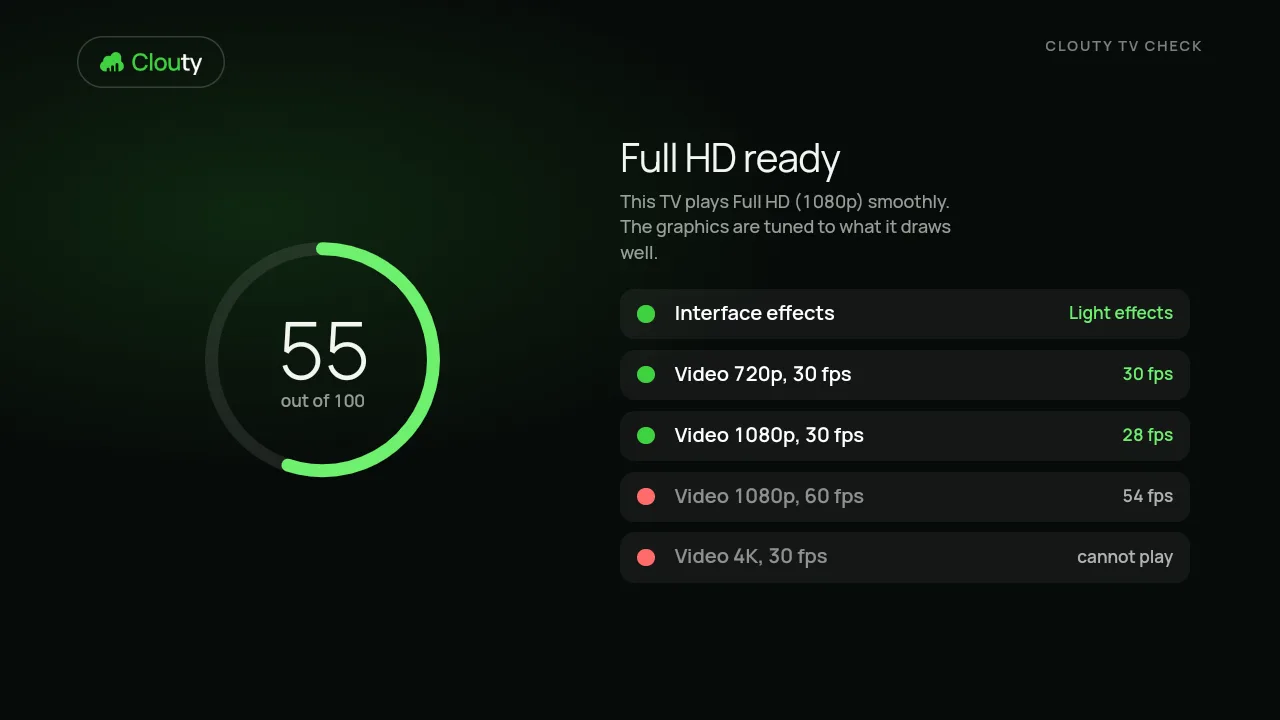
Gives a score and advice
A score out of 100, what to encode your videos as, and what the box cannot play.
An example: one low-cost box
| Video | Result | Frames |
|---|---|---|
| 1080p, 30 fps | Smooth | 29 fps |
| 1080p, 60 fps | Stutters | 53 fps, many dropped |
| 4K, 30 fps | Does not start | Android said it was supported |
| HEVC (H.265) | Not supported | - |
Measured with the Clouty TV check on one inexpensive Android TV box with 1 GB of memory. Your box will differ: run the check on it.
It sets the screen up for you
With animation on Auto, a screen that was checked uses the effects it handled well: full on a strong box, light on a weak one. A new screen checks itself once when you connect it.
Works with the tools you already use
Screens on Android TV, your menu from qrbon, and numbers from the platforms you connect.
Everything you need to run a screen
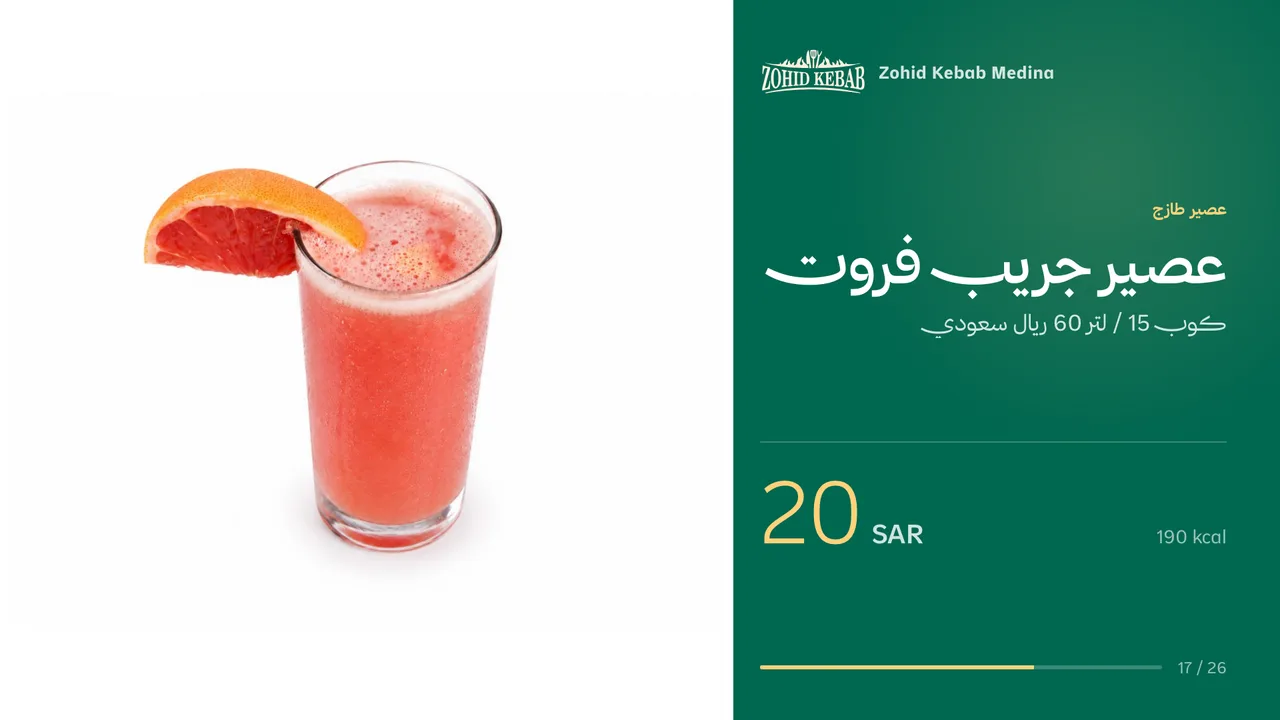
Playlists, your menu, walls of screens and Arabic: one dashboard, one app on the TV.
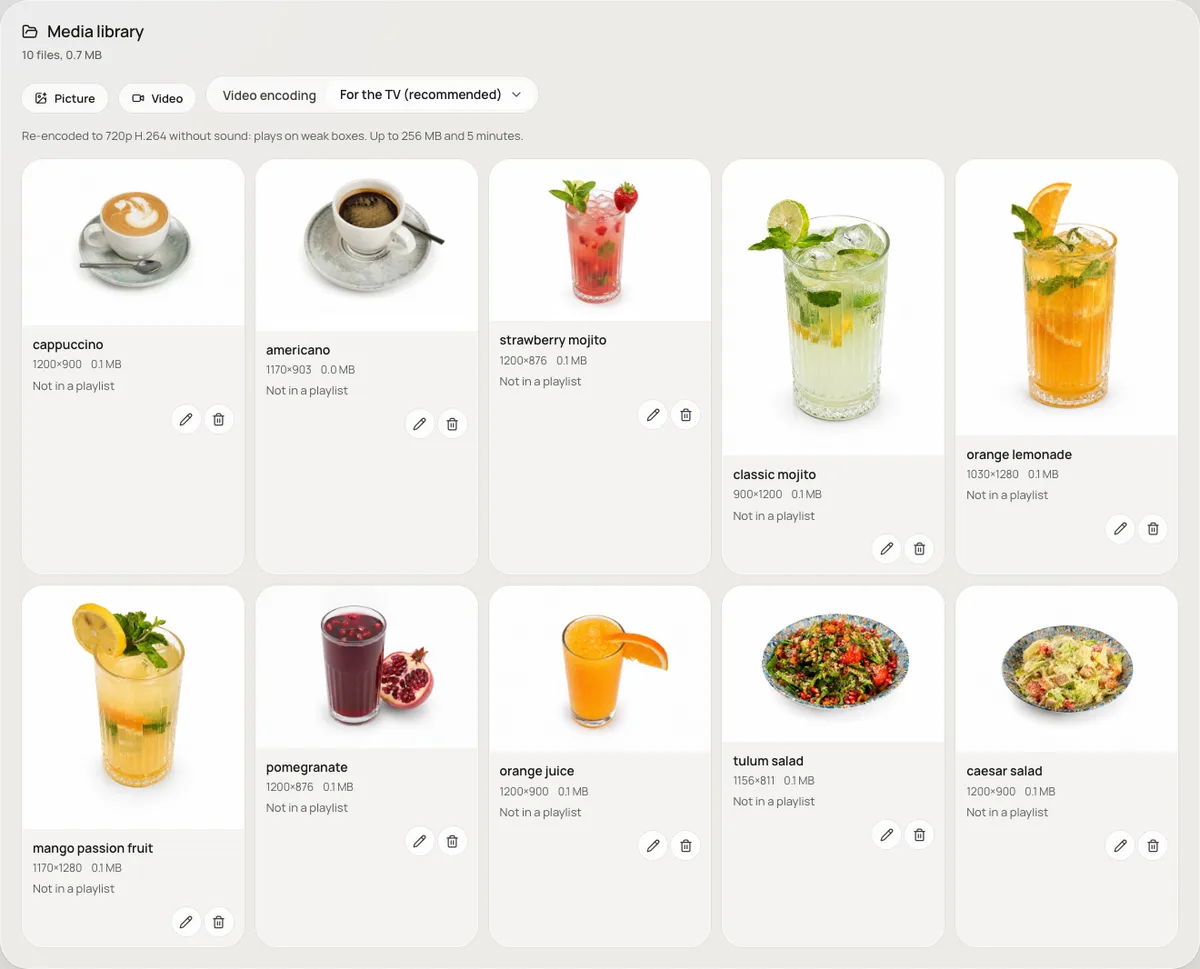
Menu themes
Pick the look of the menu: your brand colour, dark or light. Each dish comes with its photo, price and, if you want, calories.
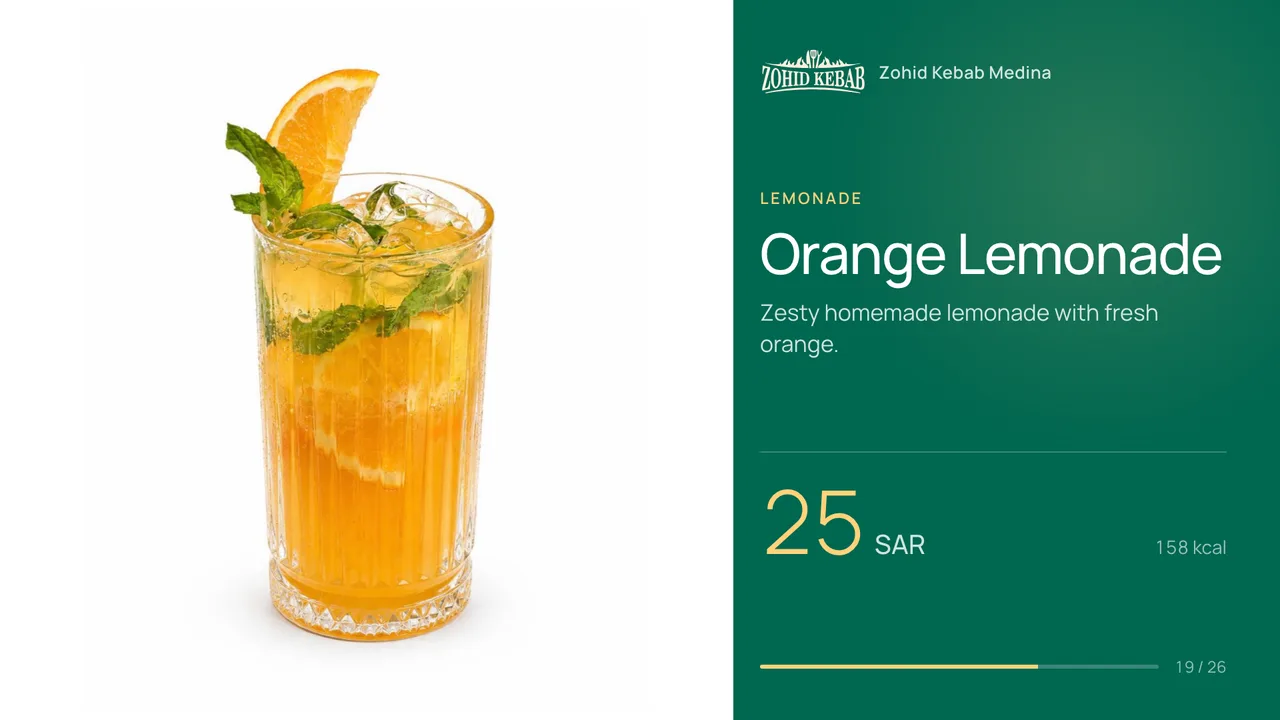
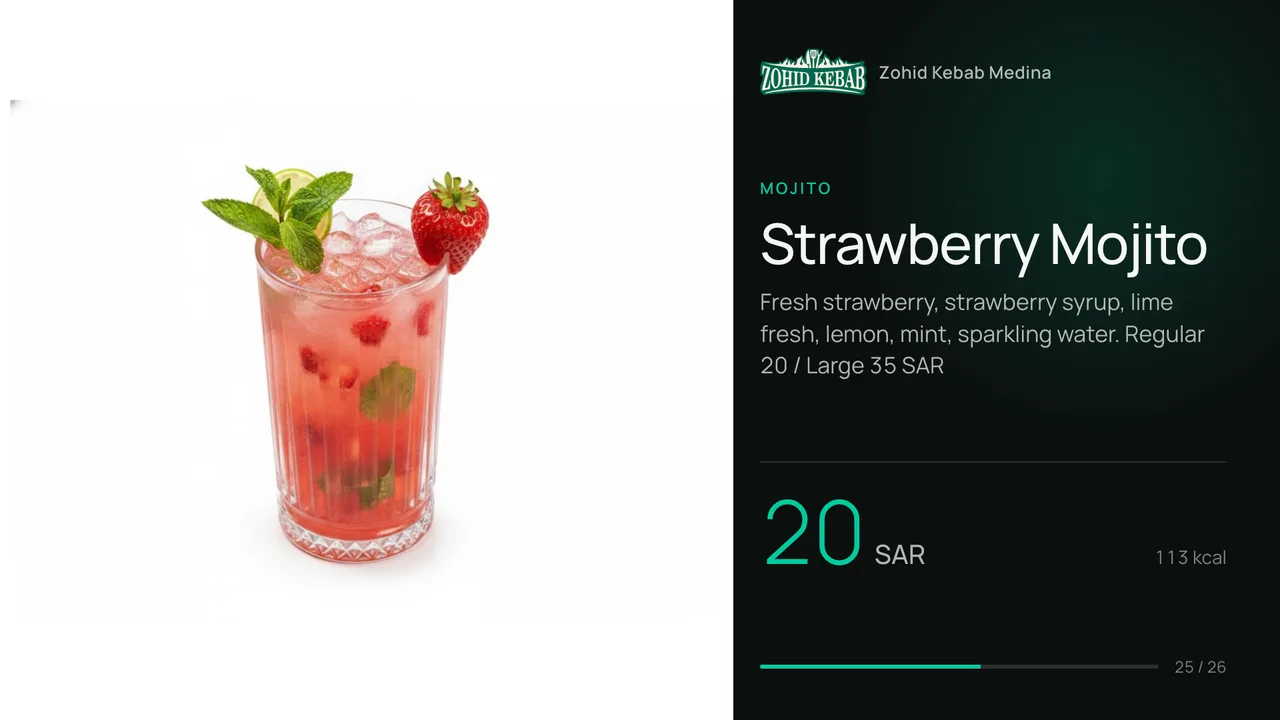
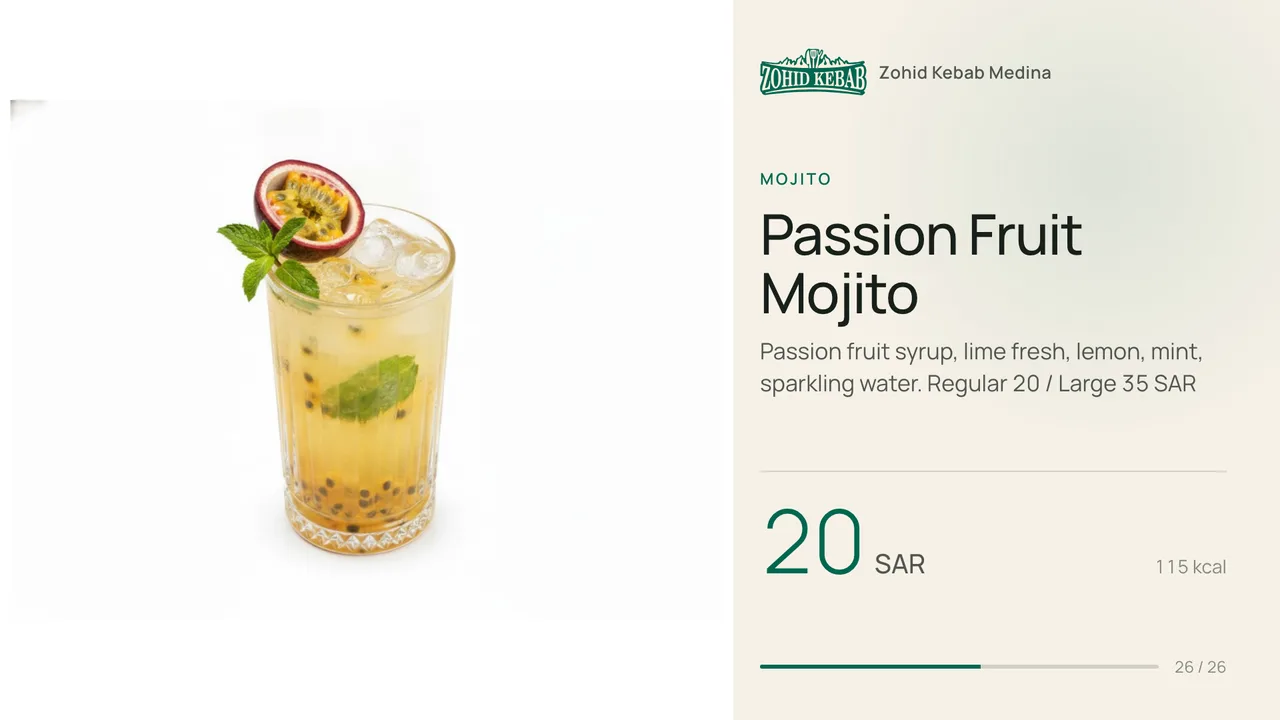
From the box to the screen in minutes
- 1
Install the Clouty TV app on an Android TV or an Android box with an HDMI cable.
- 2
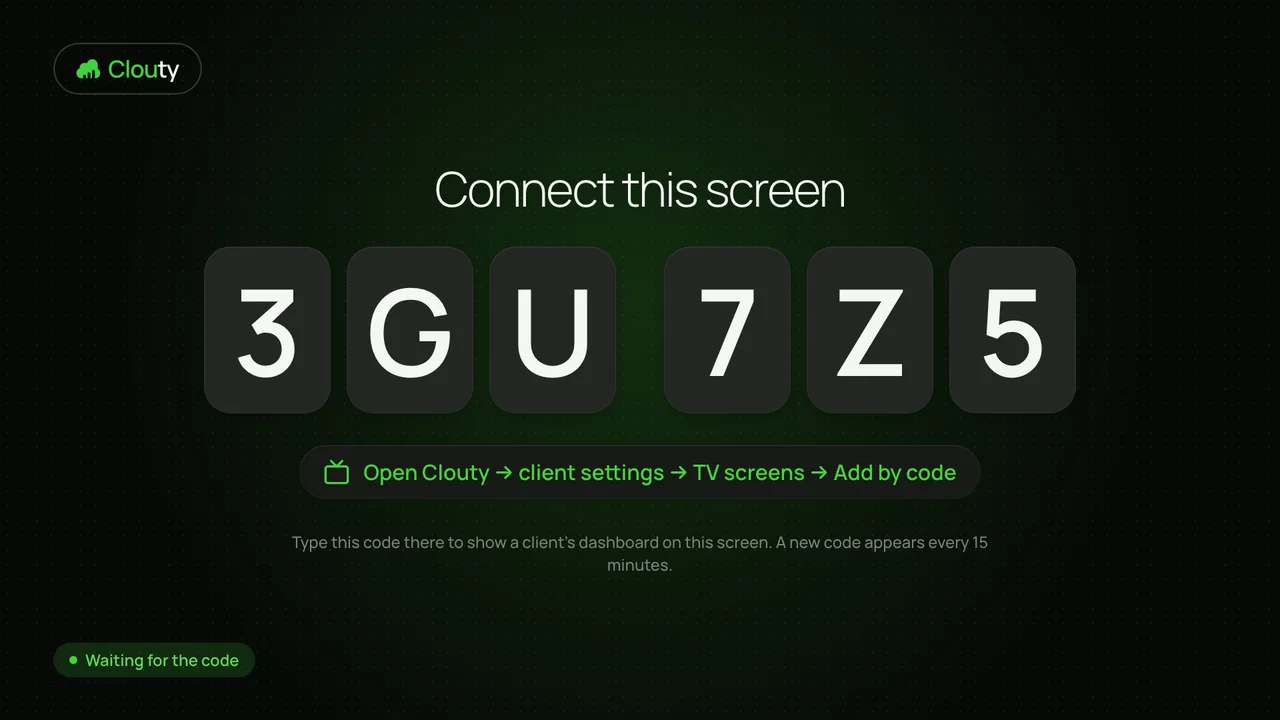
Type the 6-character code from the screen into the dashboard to link it.
- 3
Choose a playlist. The screen starts playing within seconds.
Restaurants and cafesClinics and salonsShops and mallsOffices and showrooms
Pricing
One screen is free. Every extra screen is 39 SAR a month.
0 SAR / month
39 SAR per screen / month
+40 SAR per screen / month
Start with one free screen
Install the app on an Android TV box, link the screen with a code and see your first playlist play. No card needed.